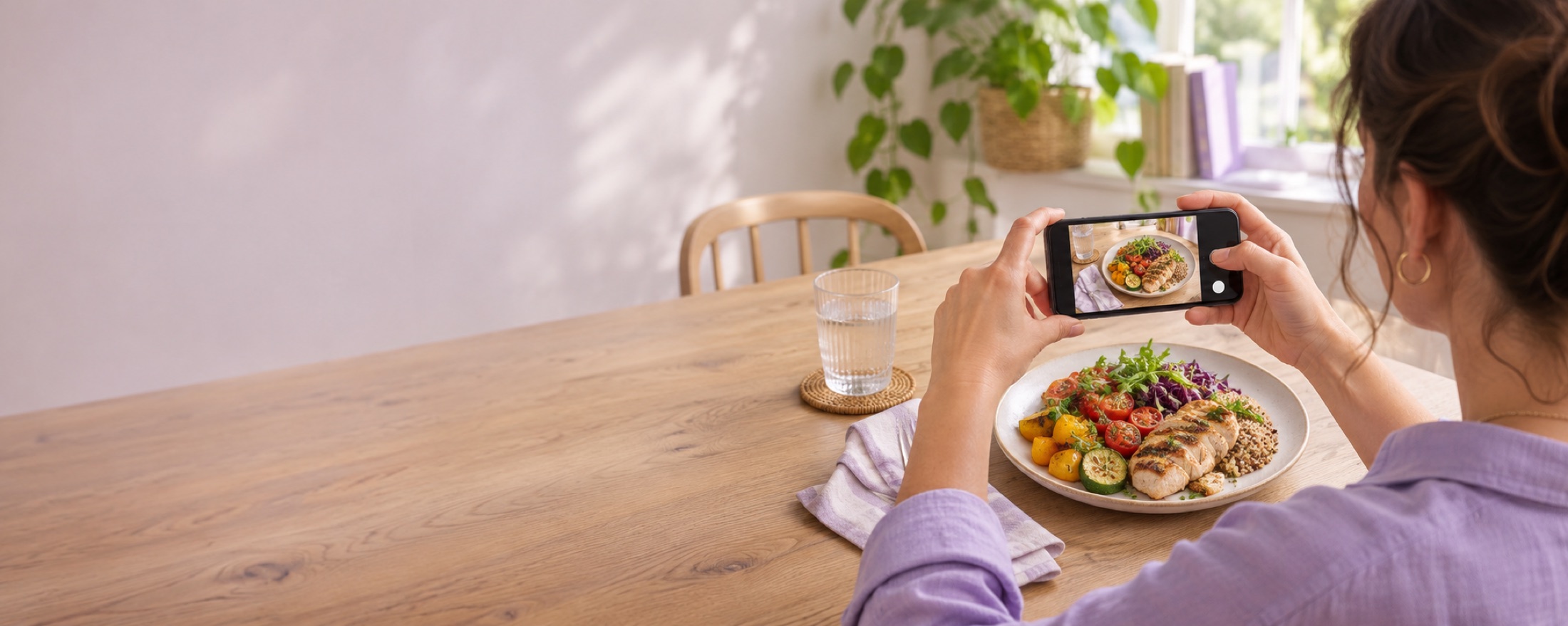
Food Diary by Health Journal
Capture what you eat and drink.
A simple photo diary of what you eat and drink, helping you reflect honestly on your choices and work towards your health goals—without counting calories.
See how your diary helps you make informed choices.
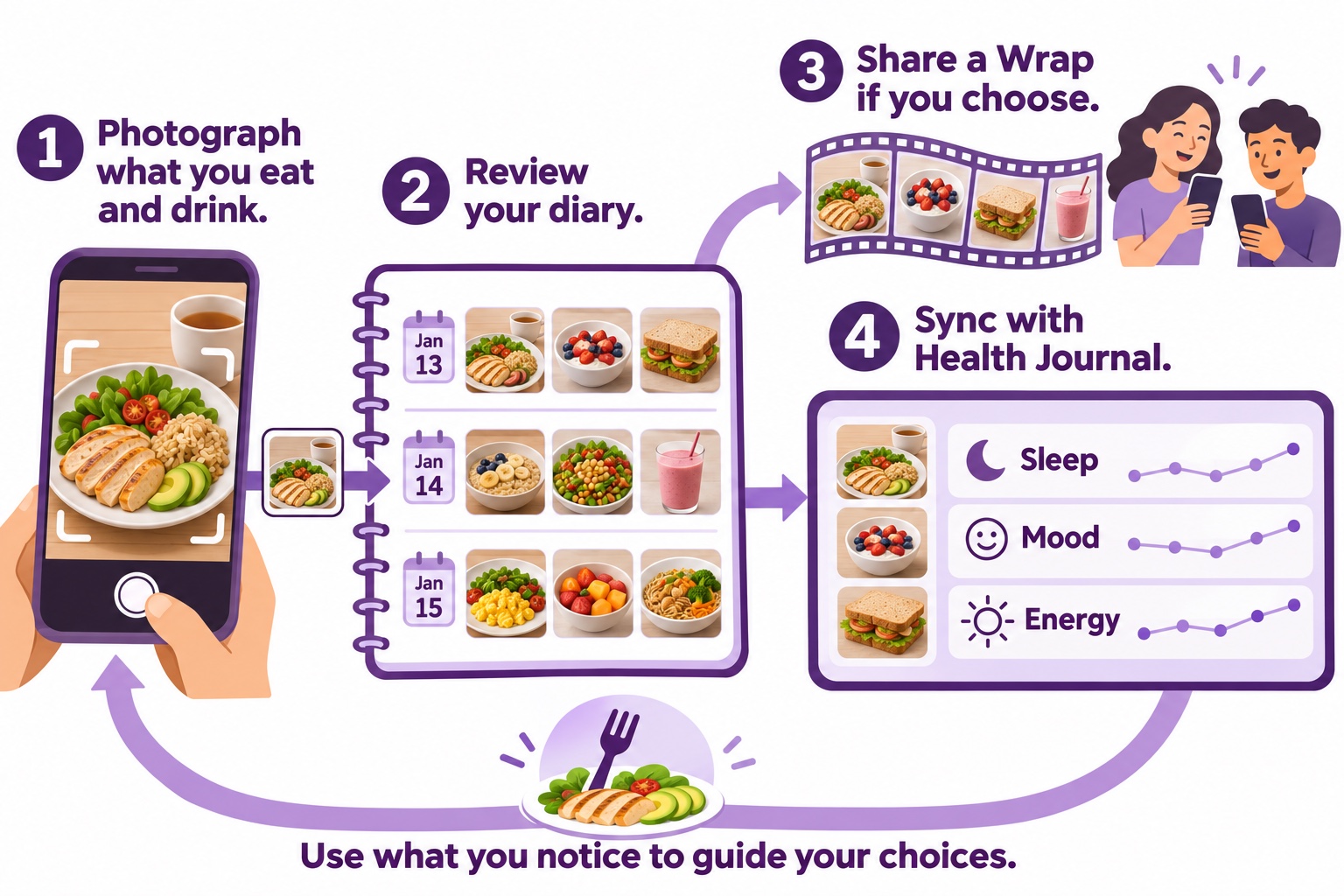
Logging an entry is easy.
Choose what you had, add a photo or a short description, and save it to your diary.
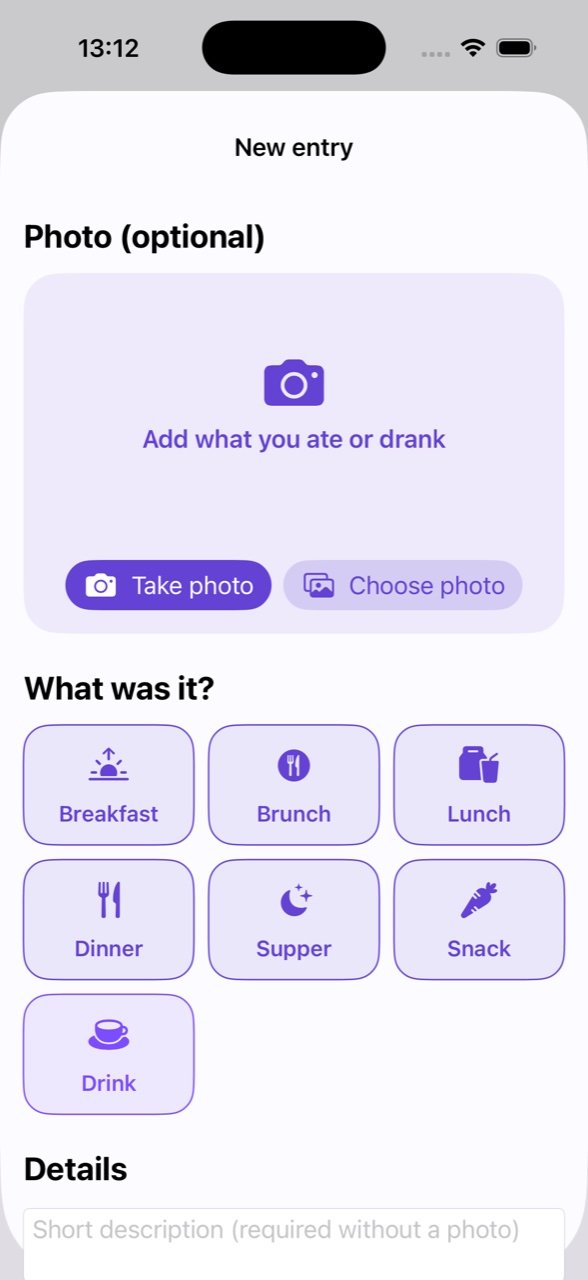
1. Open a new entry.
Tap Add entry in your diary. Take a photo or choose one from your phone. You can also log an entry without a photo by adding a short description.
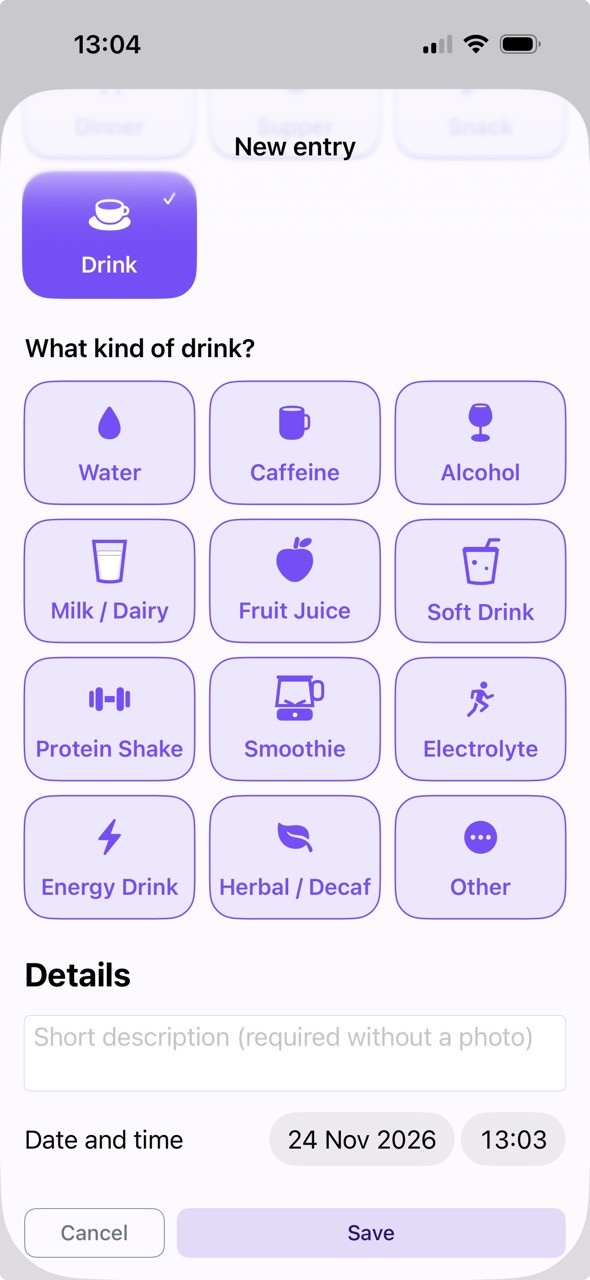
2. Choose what you had and save.
Tap the meal category, or choose Drink and its type. Add any details, check the date and time, then tap Save.
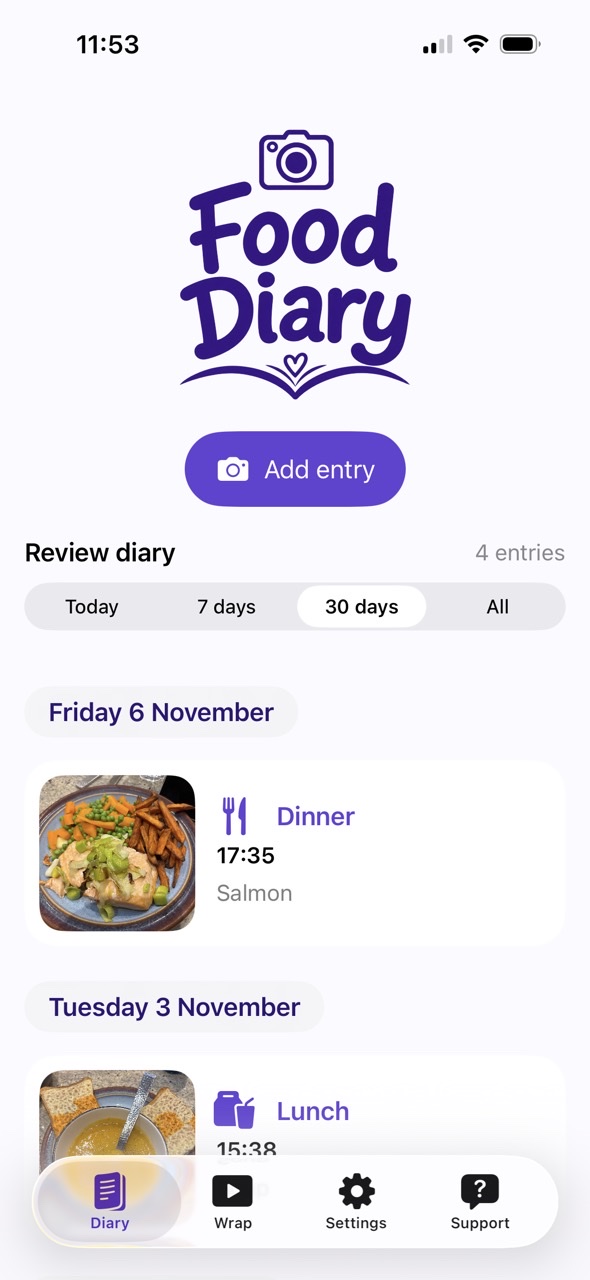
3. Find it in your diary.
Your entry joins the meals and drinks you have recorded. Look back over the day or choose a longer period to review your habits.
Review your food diary in the app or explore detailed reports in Health Journal.
Look back at your meals and drinks in the app. Connect and sync with Health Journal to explore your eating routine and drink patterns in more detail.
Review your diary
See the meals and drinks you’ve recorded, with their photos and details.
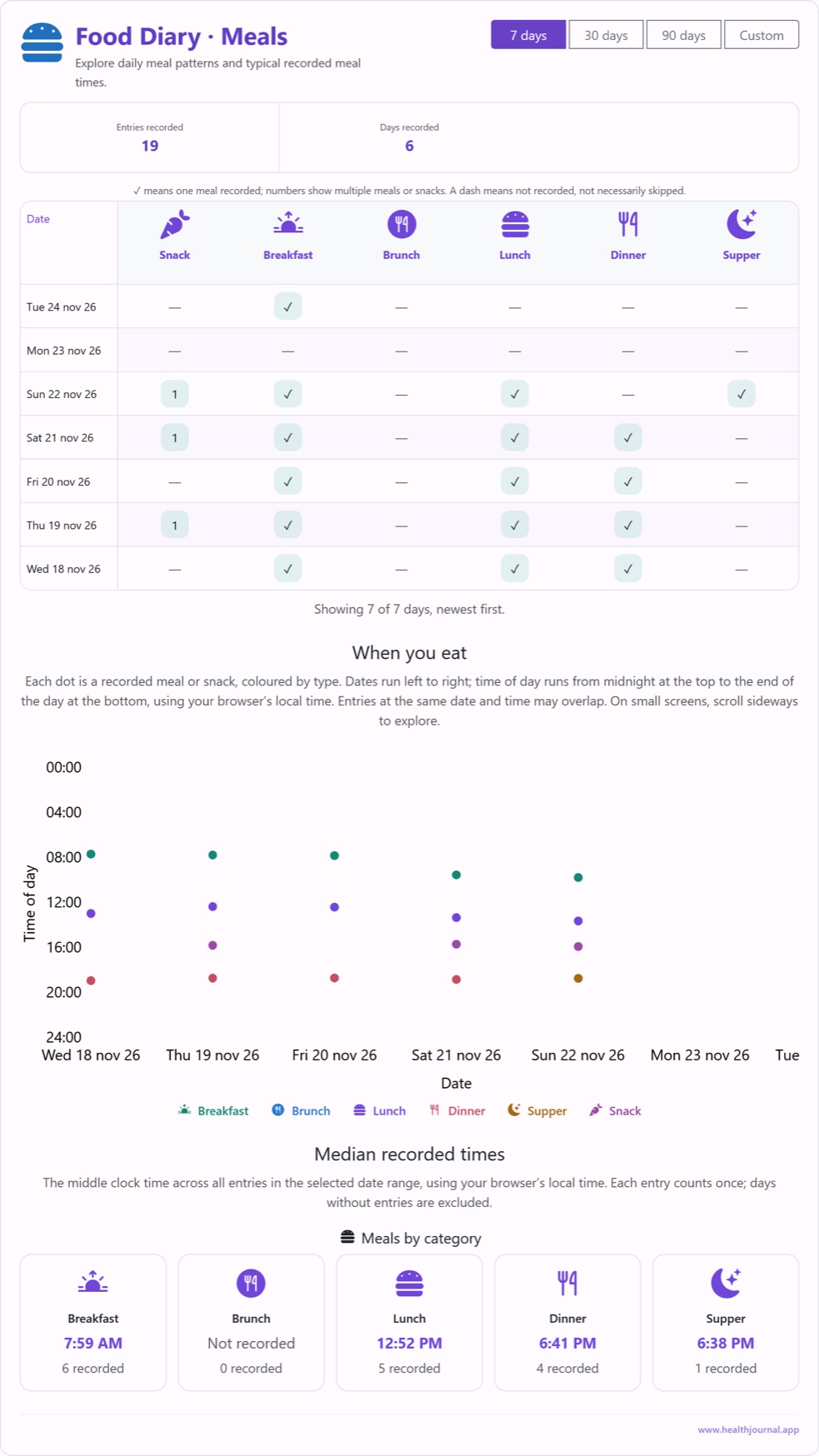
See how your eating routine changes.
Explore daily meal records and the times you usually eat in Health Journal.
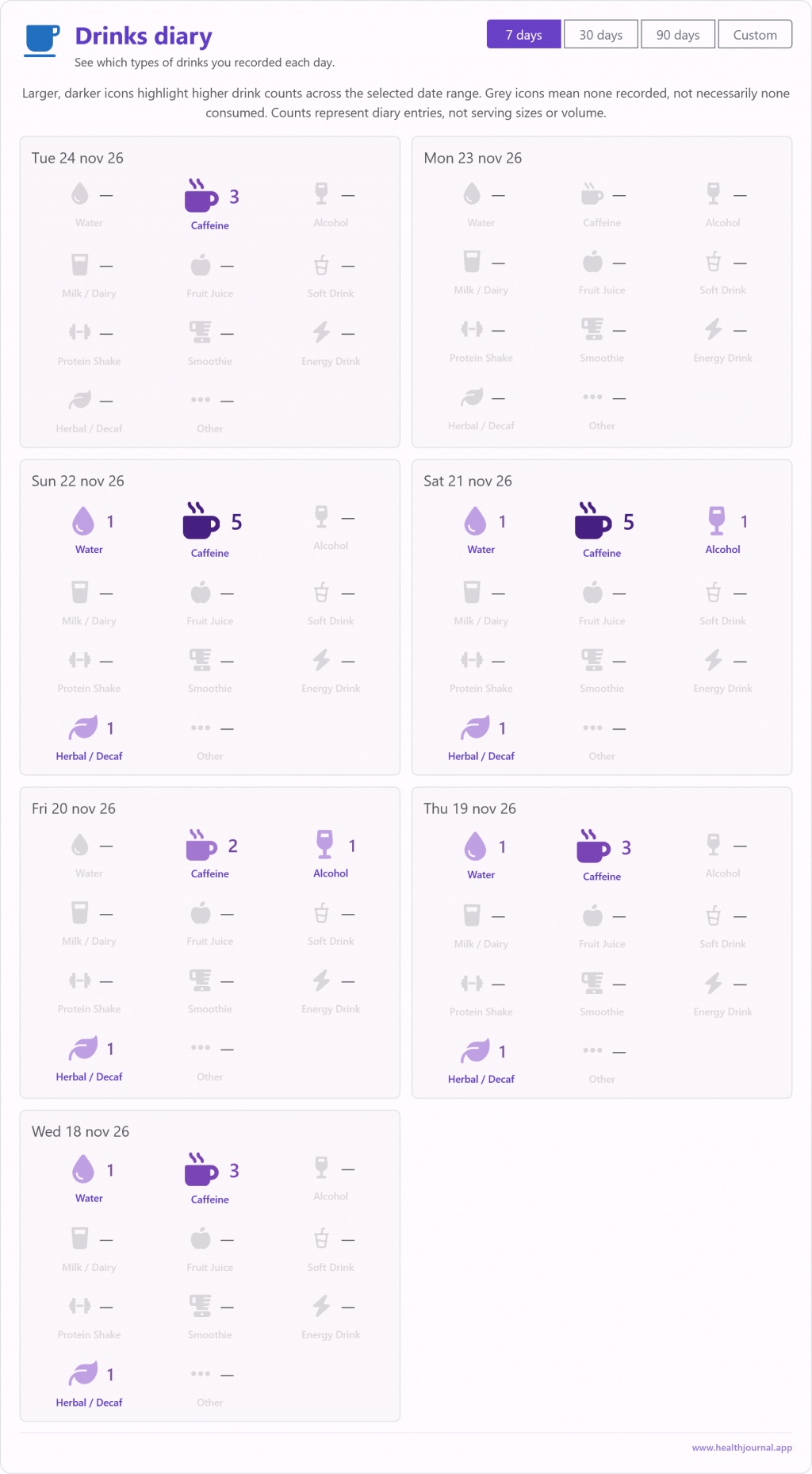
Look for patterns in what you drink.
Compare the drinks you record each day, with larger, darker icons highlighting higher counts.
What could you learn from your diary?
- Do I tend to eat at similar times each day?
- Look at your recorded meal times to see how your routine varies across the week.
- Does eating late affect my sleep?
- Compare your recorded meal times with your sleep entries in Health Journal. Look for patterns across several nights.
- Am I drinking enough water to stay hydrated properly?
- Look back at how often you record water throughout the week and reflect on your drinking habits. Entries do not measure serving sizes, total fluid intake or hydration levels.
- Am I drinking too much caffeine, and is it affecting my mood?
- Compare the caffeinated drinks you record with your mood entries in Health Journal. Look for patterns on days when you record more or fewer. Drink counts do not measure caffeine dose.
- Do I have more energy when I eat higher-protein meals?
- Use your meal photos and descriptions to identify meals you consider higher in protein, then compare them with your recorded energy levels in Health Journal. Food Diary does not calculate protein intake.
- Do I reach for alcohol when I feel anxious?
- Look back at your recorded alcohol use alongside your anxiety entries in Health Journal. Notice whether they tend to occur together and reflect on what was happening at the time.
- Are my food and drink choices changing as I work towards my goals?
- Look back over different weeks to see what you recorded and whether the changes you intended to make are showing up in your diary.
- Do my symptoms improve when I omit certain foods?
- Compare your meal photos and descriptions with changes in symptom severity recorded in Health Journal. Look for patterns during periods when you leave out a particular food.
These observations can help you explore patterns, but cannot establish cause and effect. Your reports reflect what you record; a day with no entries does not necessarily mean you ate or drank nothing.
Let friends and family support your goals and cheer for you.
Turn your meals and drinks into a visual Wrap and share it with the people who support you. They can encourage your progress, help you stay accountable to your goals and celebrate the changes you make.
Choose the dates, style and details you want to include. Share what feels right for you, and you might inspire someone else to make healthier choices too.
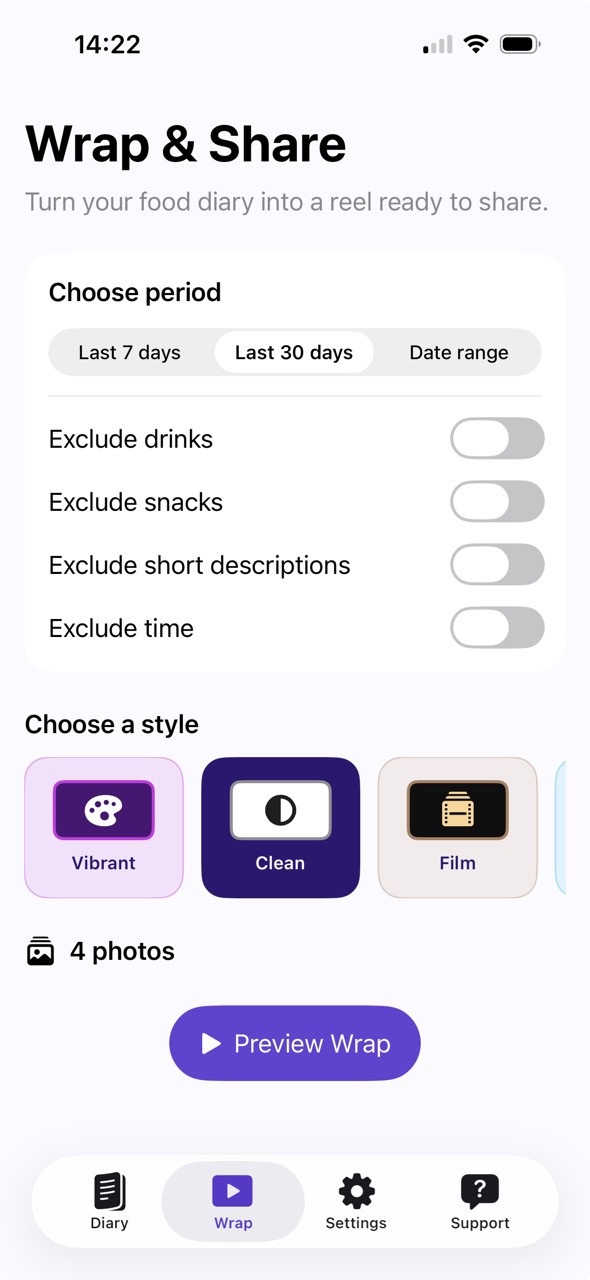
Choose what goes into your Wrap
Select the dates and style, then decide which drinks, snacks and details to include before previewing.
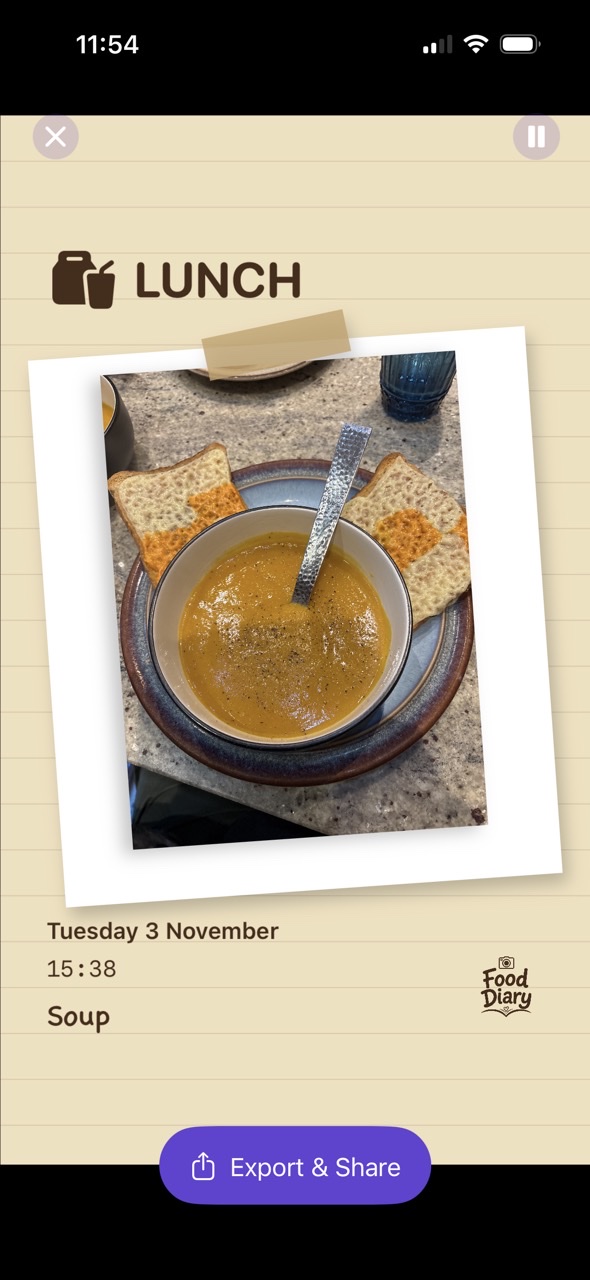
Share what you choose
Preview your visual diary, then export and share your Wrap.
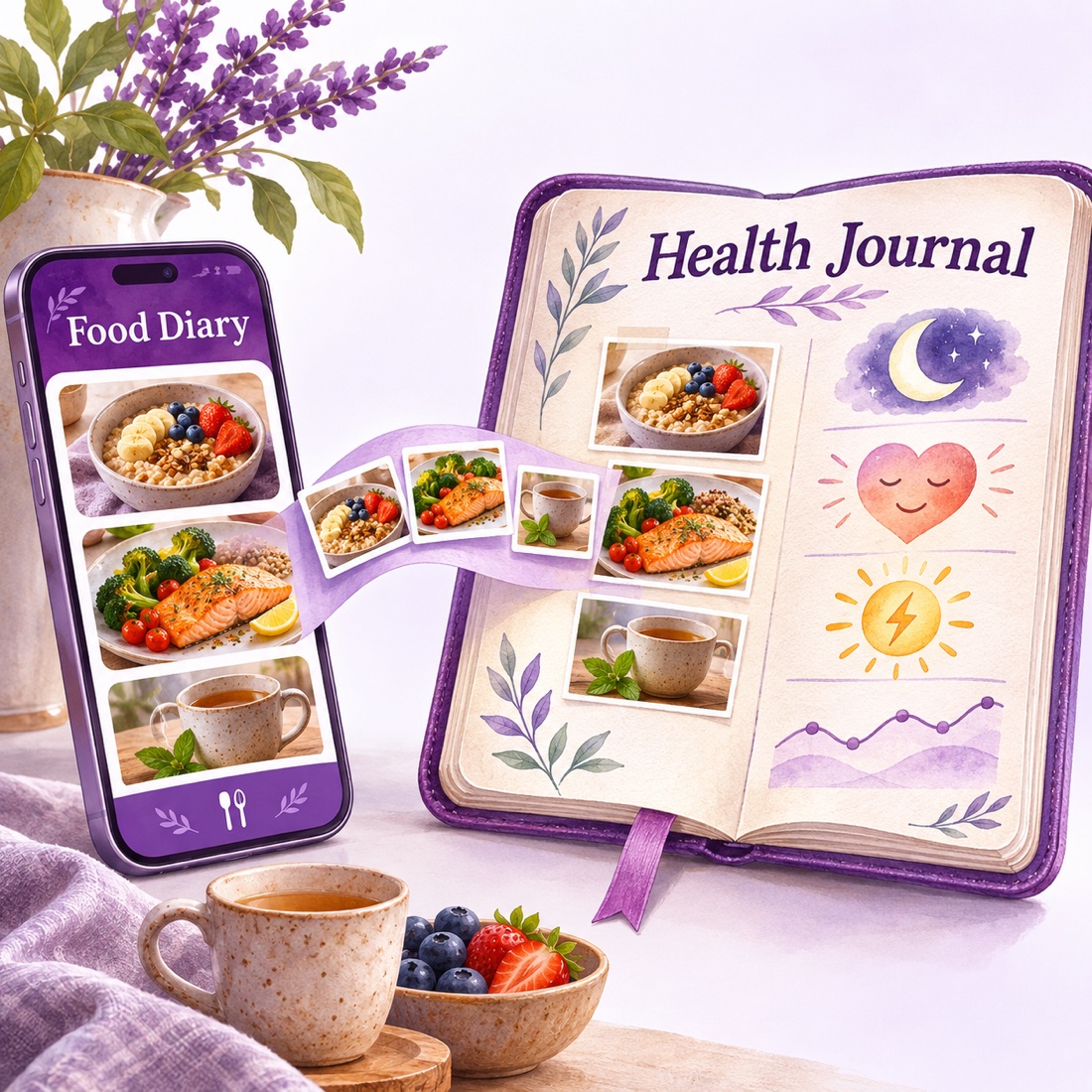
Look at your diet alongside your sleep, mood, energy and changes in symptom severity.
Sync your Food Diary with Health Journal for reporting and analysis. Monitor changes in what you eat and drink alongside changes in your sleep, mood, energy levels and wider wellbeing.
Explore meal timing and daily counts, then look at how your dietary changes line up with the other things you record about your health. Notice patterns, reflect on what may be helping, and decide what to try next — with you in the driving seat.
Look back at what you ate alongside times you felt bloated or uncomfortable. Review your recorded caffeine and alcohol habits alongside your sleep and energy levels, and explore patterns you might otherwise miss.
Your diary can help you spot patterns and ask better questions; it cannot establish what caused a symptom.
Explore Health Journal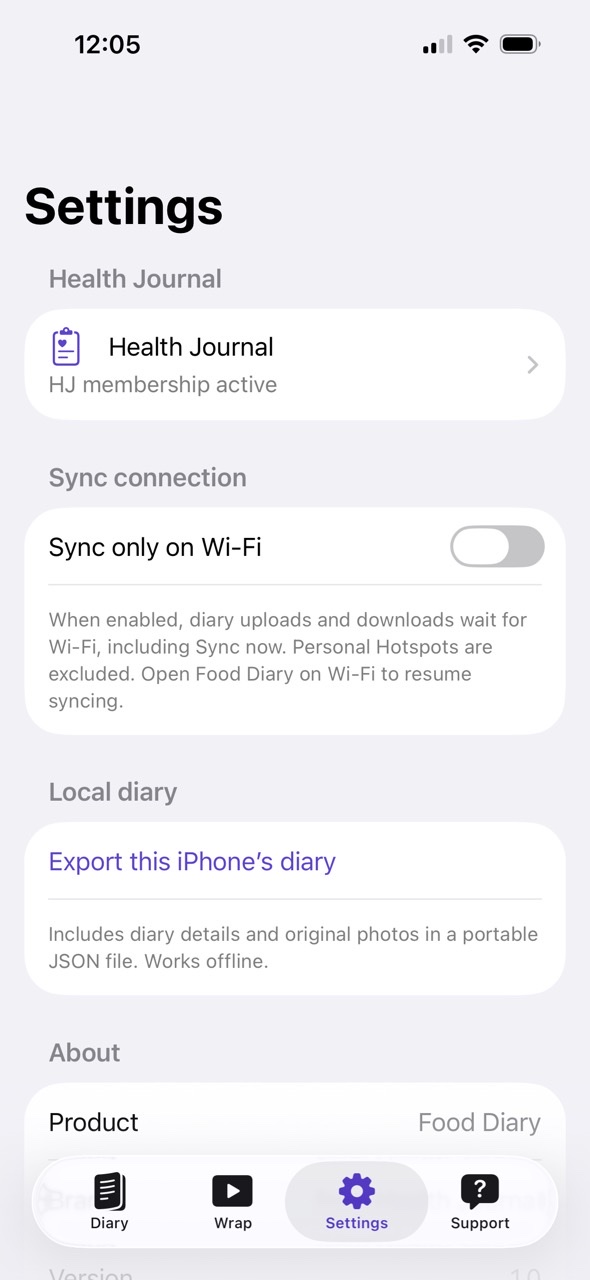
Make it work for you
Easily connect and sync your food diary with your health journal to access visual insights on your food and drink.
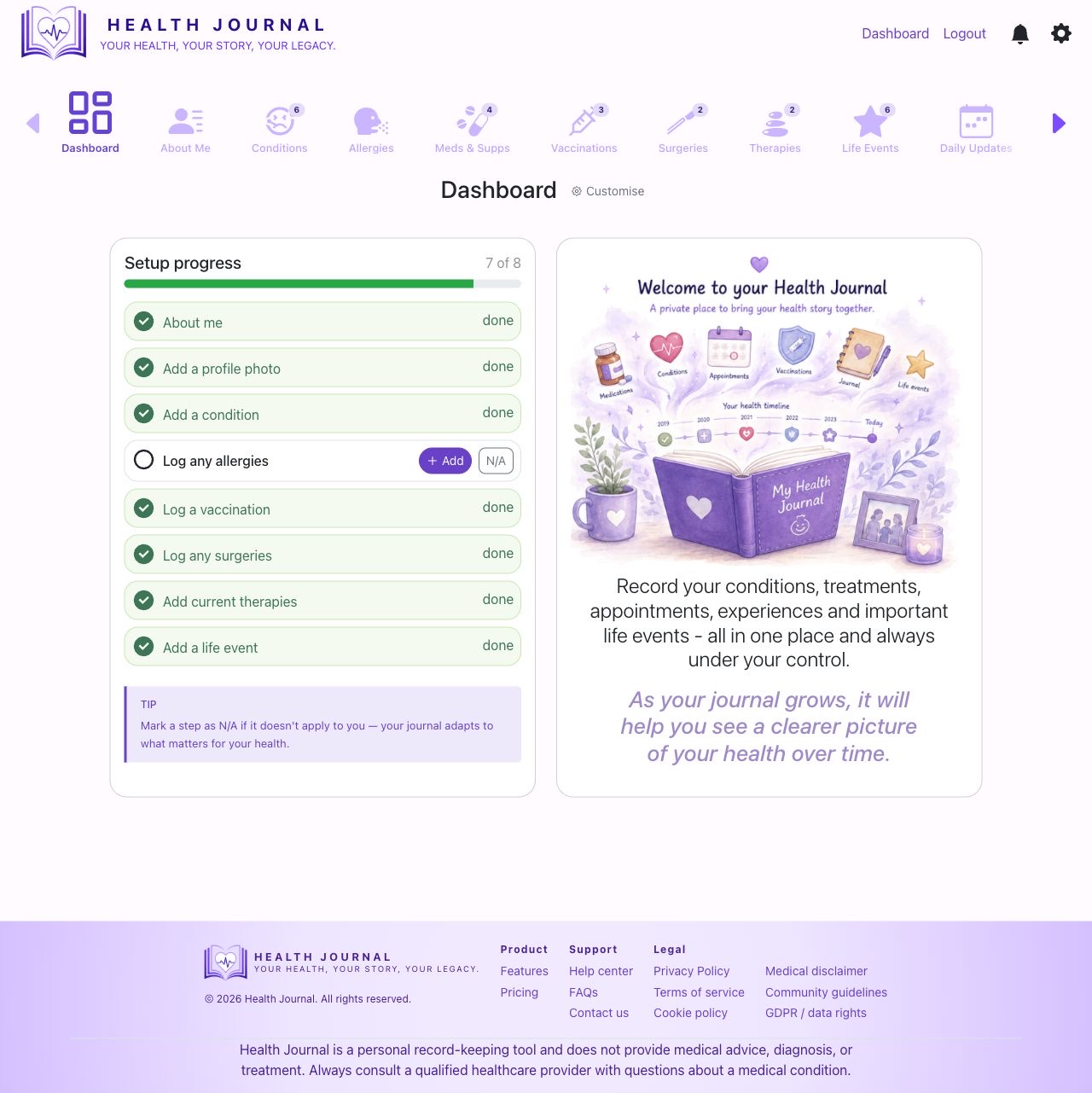
Bring your food diary into your wider health story.
Connect your Food Diary to Health Journal to explore your meals and drinks alongside the rest of your health.
Get help from inside your app.
When connected to Health Journal, create support requests, add photos and follow replies without leaving Food Diary.
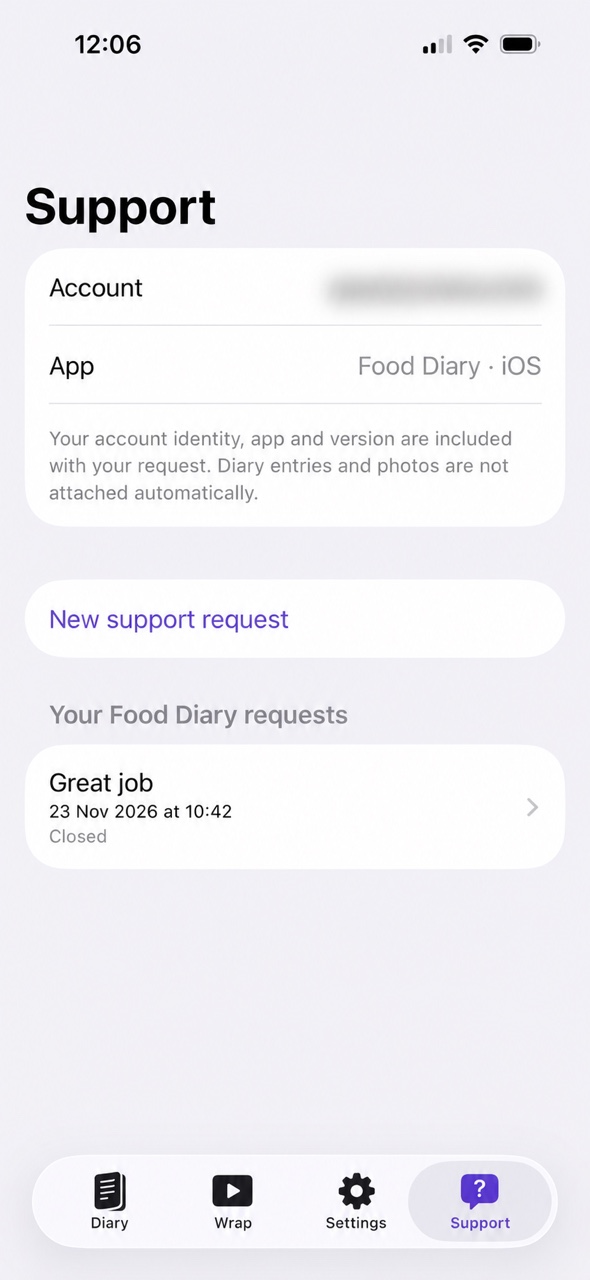
Manage your support requests
When connected to Health Journal, follow your requests and replies from inside the app.
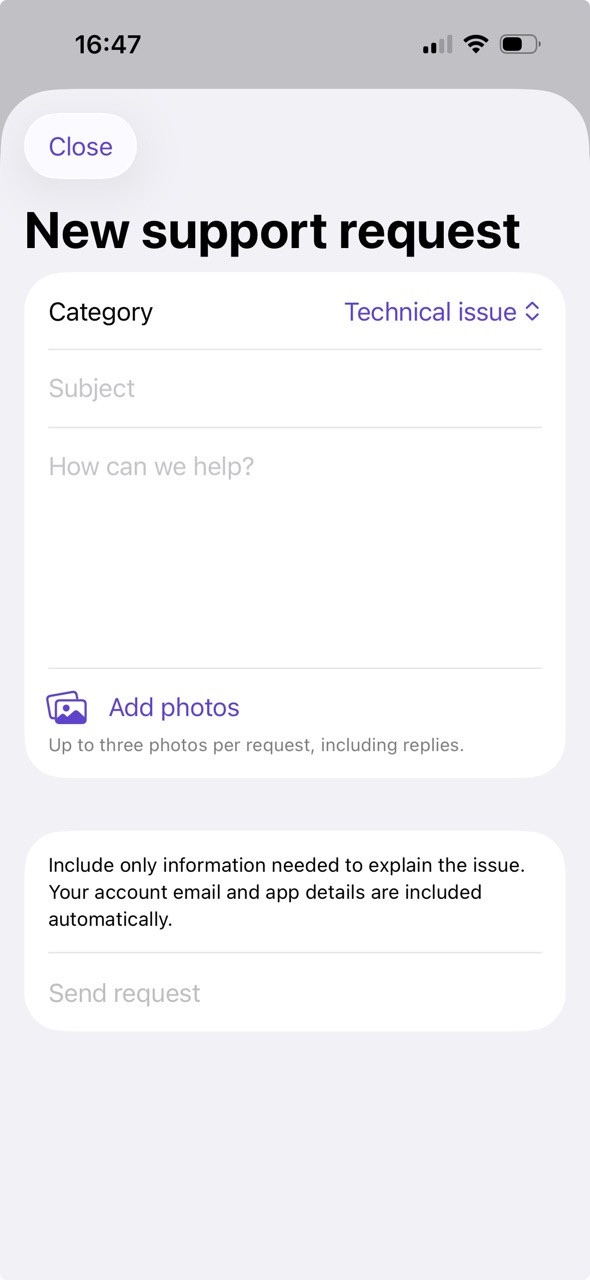
Ask for help from the app
Create a support request and add photos to explain the issue when connected to Health Journal.
A few things you might want to know.
Can I record drinks and snacks too?
Yes. Food Diary includes meal categories, snacks and drink types, so you can keep these everyday details together.
Can I use it without an internet connection?
Yes. You can keep your diary on your device offline. Connecting and syncing with Health Journal requires an internet connection.
Do I need a Health Journal account?
You can keep a local diary without connecting to Health Journal. An account is needed if you choose to sync your diary to your Health Journal or access in-app support.
Can I share my food diary?
Yes. Create a visual Wrap of your diary and share it with friends, family or a nutritional specialist if you choose.
Where will I be able to download it?
We’ll add the App Store and Google Play links here when Food Diary is released.
Start your diary when the app launches.
Food Diary by Health Journal is coming soon for iPhone and Android.
Download links will be added when the app is released.